

Why Your PS4 or PS5 Sounds Like a Jet Engine (and How to Fix It)
Why dust makes a PS4 or PS5 fan roar, what you can clean safely at home, and when a fan service is the right fix.
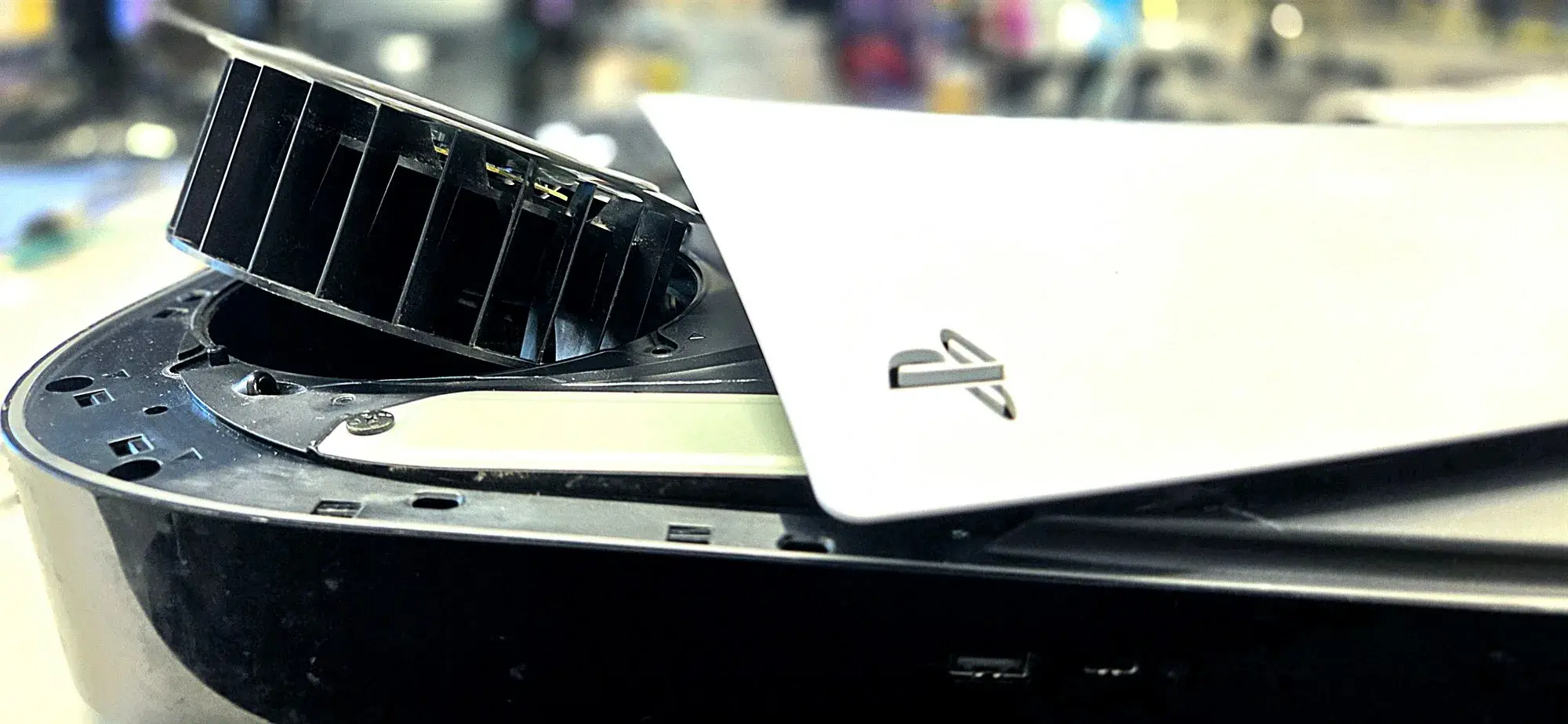
Your console used to hum. Now it roars every time a game loads, and you turn the TV up to drown it out.
Most of the time, that noise is the cooling fan working harder than normal. Dust is usually the reason. Sometimes the fan itself is wearing out. Here is how to tell the difference, and what each one takes to fix.
Why a Dusty Console Gets Loud
Your PS4 or PS5 pulls in room air, pushes it across a metal heatsink, and blows the hot air out the back. The heatsink is a block of thin metal fins that soaks up heat from the main chip.
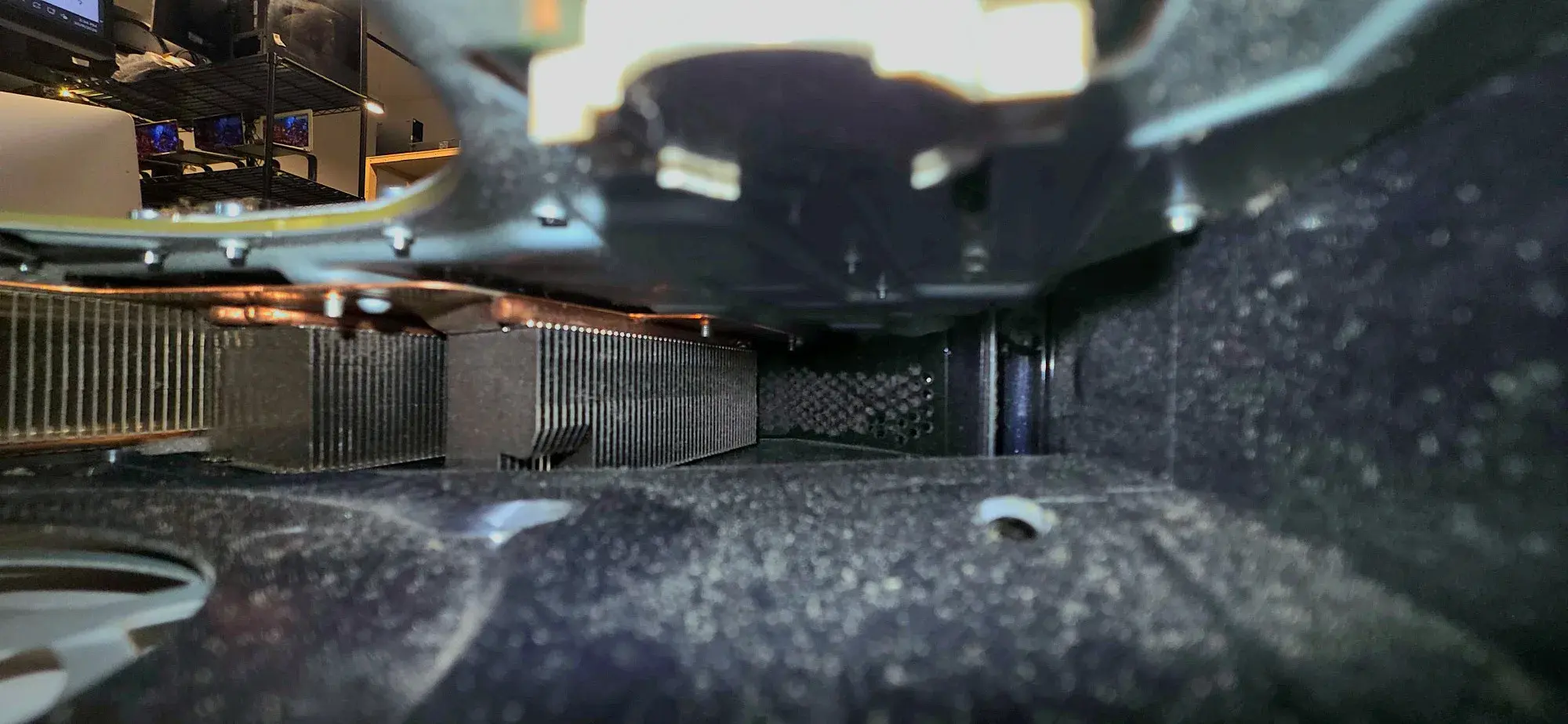
Dust rides in with that air. Over months it packs into the heatsink fins and coats the fan blades. Less air gets through, so the chip runs hotter. The console reacts the only way it can. It spins the fan faster, and a faster fan is a louder fan.
Sony's own PS5 fan noise page says the fan speeds up during demanding games, which is normal. The problem is when it roars all the time, even on the home screen.
On a PS4, the heatsink is the usual choke point. In an iFixit thread on why a PS4 gets so loud, one repair answer explains that dust gets trapped in the heatsink fins right next to the fan. That can block most of the airflow even when the fan blades look clean.
How the PS5 Cooling Setup Is Different
The PS5 uses a large blower fan. Sony's official teardown showed a 120 mm fan that pulls air in from both sides, plus a big heatsink and liquid metal on the main chip.
It also has two dust catchers. These are small pockets behind the side panel that trap dust before it reaches the heatsink. You can vacuum them out through two holes once the side panel is off.
Liquid metal is a big reason we tell people to stop at the side panel on a PS5. If you want the details, we explain it in our PS5 thermal paste vs. liquid metal post.
Dust Noise or a Worn Fan?
Dust makes the fan spin faster. A worn fan makes a different sound.
Most small fans spin on a bearing that holds the shaft centered. As a fan bearing wears, the shaft gets a little play and starts to wobble. That shows up as grinding, rattling, or clicking, even when the fan is not spinning fast.
| What you hear | Likely cause | Will cleaning fix it? |
|---|---|---|
| Steady whoosh that gets louder in games | Normal fan speed-up | Nothing to fix |
| Loud roar even on the home screen | Dust in the heatsink or vents | Usually |
| Roar plus the console feels hot to the touch | Heavy dust, or worn thermal material | Partly. It needs a full service. |
| Grinding, rattling, or clicking | Worn fan bearing | No. The fan needs service. |
What You Can Safely Do at Home
Sony's PS4 safety guide and its PS5 page give the same basic advice:
- Unplug the power cable first.
- Use a low-powered vacuum on the vents.
- Keep at least 10 cm (about 4 inches) of open space around the console.
- Keep it off carpet and rugs, and out of tight cabinets.
On a PS5, you can also take off the side panel and vacuum the two dust catcher holes.
That is where home cleaning stops. Getting to the heatsink means opening the console all the way. On a PS4, that also means replacing the thermal paste, because the old paste cannot be reused once the heatsink comes off. On a PS5, it means working around liquid metal, which conducts electricity and can short the board if it spreads.
What a Fan Service at PHYX Involves
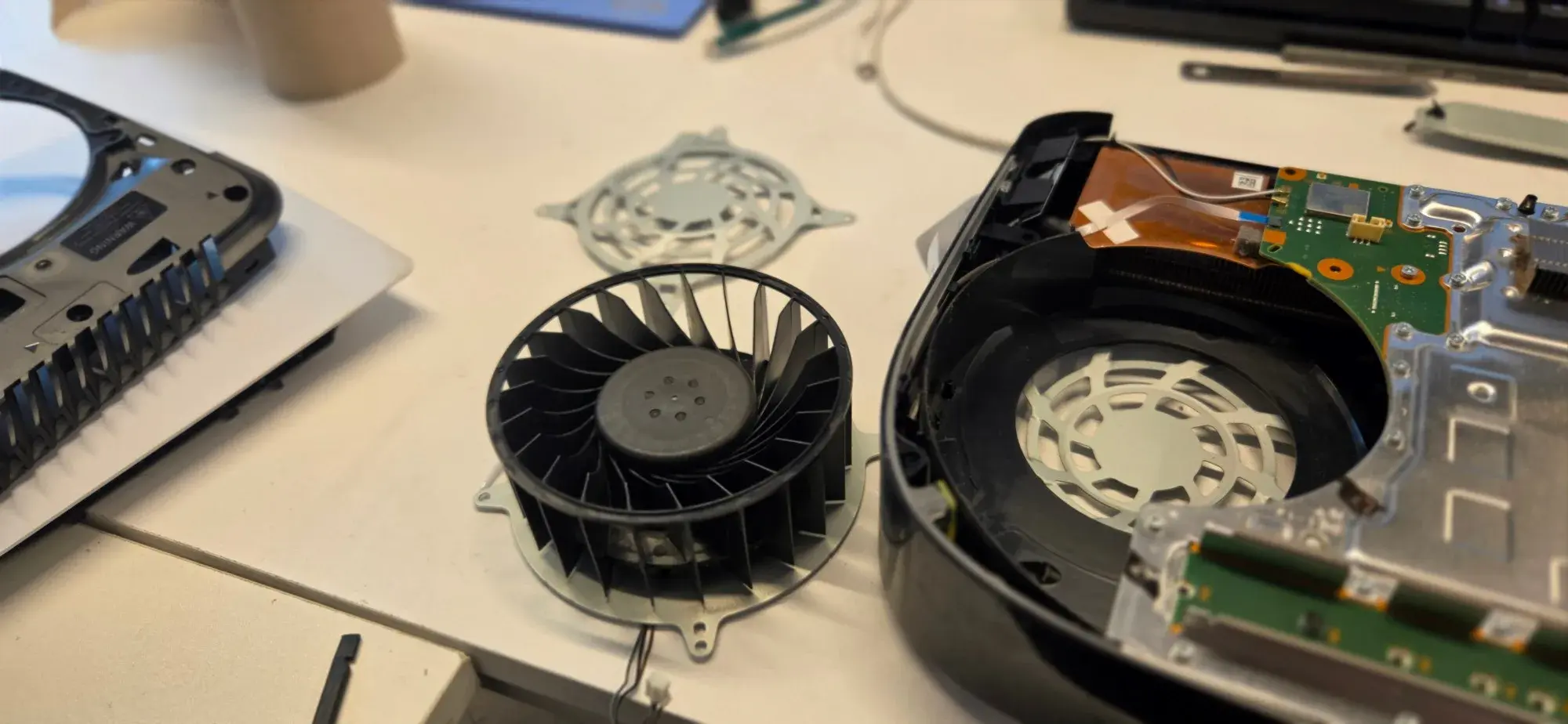
We open the console, clean the heatsink fins and the airflow path, and check the fan. If the bearing is worn, we put in a new fan. On a PS4, we also replace the thermal paste, since the old paste cannot be reused once the heatsink comes off. Then we run the console under load and listen before it goes back to you.
| Console | Fan service price | Turnaround |
|---|---|---|
| PS4, PS4 Slim, PS4 Pro | $60 to $120, depending on the model | Usually 1 to 2 days |
| PS5 and PS5 Slim | $60 to $120, depending on the model | Usually 1 to 2 days |
The price includes a new fan when your console needs one. Some jobs take a few days longer. We tell you the price for your model before we start.
One honest note on warranty. Opening a console, at our shop or anywhere else outside Sony, can void Sony's warranty. If your console is still covered, check with Sony first. If it is not, we do this work right, and if something is not right after the repair, we will take another look. We stand behind our work.
FAQ
Q: Is it safe to keep playing while my console is this loud?
A: For a short time, usually yes. The fan is doing its job by spinning faster. The risk is heat over the long run. If the console also feels hot to the touch, shuts itself off, or shows an overheating warning, stop and get it cleaned. Running hot for months is hard on the parts inside.
Q: Can I use compressed air instead of a vacuum?
A: Sony recommends a low-powered vacuum. When you use canned air on the outside vents, use short bursts and do not let it spin the fan at high speed, because that can be hard on the bearing. Canned air from outside does not reach the packed dust in the heatsink fins.
Q: Will an external cooling fan or stand fix the noise?
A: Usually not. Clip-on fans and cooling stands move air around the outside of the case. They do not clear the dust packed inside the heatsink, and they do not fix a worn bearing. Most of the time, they add their own noise on top of the console's.
Get Your Console Quiet Again
If your PS4 or PS5 roars on the home screen or grinds when it spins up, bring it to our Springfield shop for a fan service.
[Text PHYX at 413-234-4313](sms:+14132344313) with your console model, or message PHYX on Instagram.