

How to Safely Trade-In or Sell Your Old iPhone Before Upgrading in Springfield, MA
Upgrading to the iPhone 17 or iPhone Air? Before you trade in or sell your old iPhone, protect your data and prep it so you get the most money back.
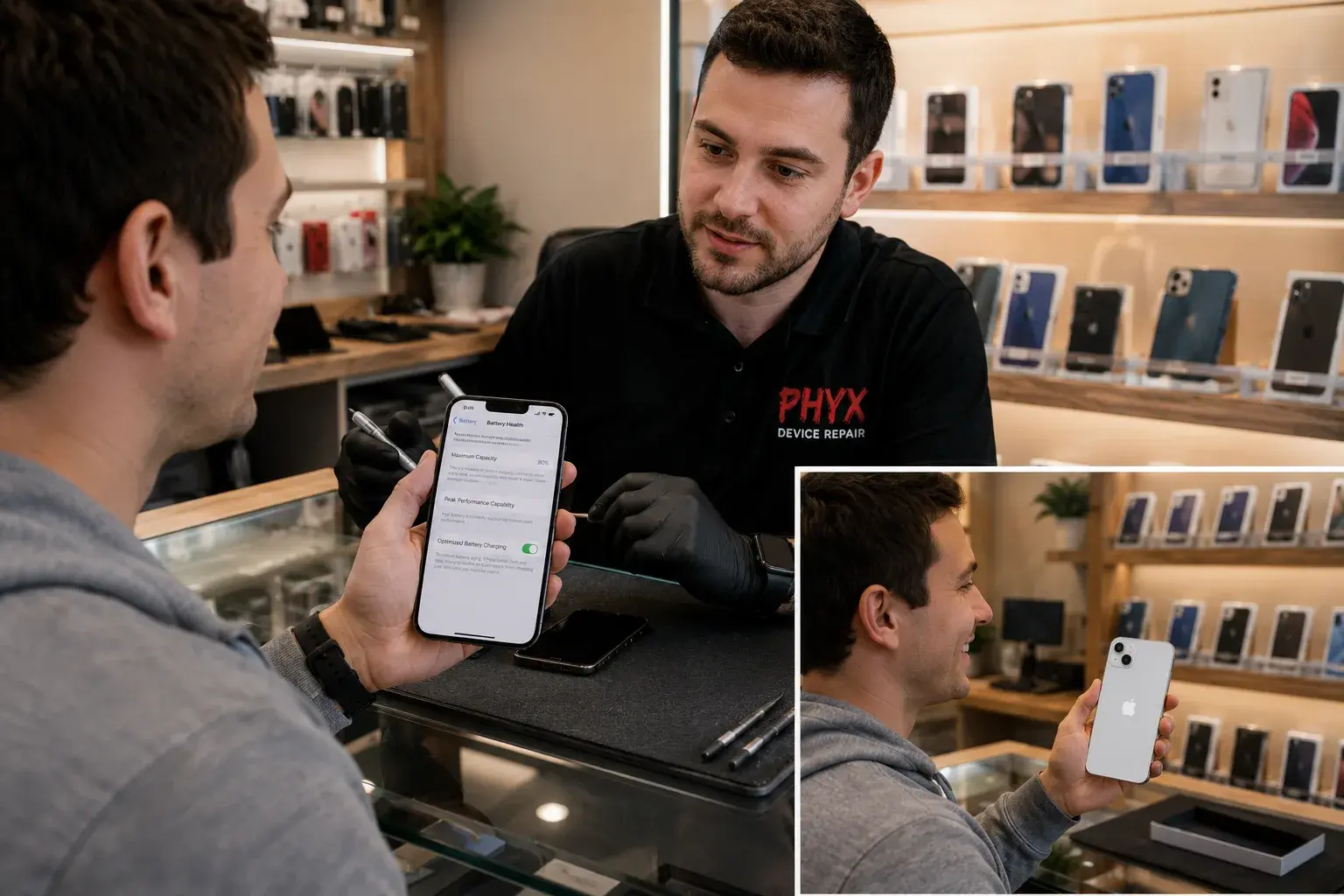
You're upgrading to the iPhone 17 or iPhone Air. Your old iPhone still works—mostly. The question: trade it in, sell it privately, or recycle it?
Trade-ins are convenient but often pay less. Selling privately nets more money. Either way, you must protect your data before handing it over. A few steps ensure your personal information stays personal while maximizing what you get back.
PHYX Repairs in Springfield, MA can help. They'll back up your data securely, prep your phone for sale, and even handle the refurbishment if you want a higher resale value.
Step 1: Back Up Everything
Before erasing your phone, save all your data.
iCloud Backup (Easiest for iPhone)
- Go to Settings > [Your Name] > iCloud > iCloud Backup
- Tap Back Up Now
- Ensure backup is complete (shows timestamp)
This saves photos, contacts, messages, app data, and settings.
Computer Backup (Extra Security)
- Plug iPhone into Mac or PC
- Mac: Open Finder > Devices > [Your iPhone] > Back Up Now
- PC: Open the Apple Devices app (or iTunes on older Windows versions) > [Your iPhone] > Back Up
This creates a local backup on your computer. Turn on encryption if you want passwords and health data included.
Step 2: Erase Your Phone Securely
Once backed up, erase all content to remove personal data.
- Go to Settings > General > Transfer or Reset
- Tap Erase All Content and Settings
- Enter your Apple ID password and confirm
- Wait for the erasure to complete (5-10 minutes)
This removes your Apple ID, personal photos, messages, banking info, and everything else. The phone resets to factory defaults.
Important: Do not hand over a phone that still has your Apple ID. It will be locked to your account.
Step 3: Check Battery & Screen Condition
These two factors affect your resale price more than anything else.
Battery Health
- Go to Settings > Battery > Battery Health and Charging
- Check the "Maximum Capacity" percentage
- If below 80%, consider a battery replacement (see below)
Why it matters: Buyers see "80% battery health" and know they'll get more years out of it. "60% health" tells them a battery replacement is coming soon ($80–$150, depending on the model). Price drop: $50-$150.
Screen Condition
- Look for cracks, scratches, or dead pixels
- Test all corners by tapping and swiping
- Check if screen protector damage affects the actual display underneath
Cracked screen price impact: $100-$200 drop in resale value.
Step 4: Consider Refurbishment (Maximize Your Money)
Trade-in value example:
- iPhone 14 with 80%+ battery, pristine screen: $250-$300 trade-in
- Same iPhone with 70% battery and small crack: $150-$180
Selling privately after prep:
- iPhone 14 with new battery, screen good: $300-$350 private sale
- Same phone refurbished (battery + screen fixed): $350-$400
The math: Battery replacement ($80-$150) + screen repair ($100-$150) = $180-$300 investment. If it nets you an extra $150-$200 on the sale, it can be worth it. Run the numbers for your phone before you commit.
PHYX Repairs can handle this. They'll:
- Replace your battery (same-day)
- Repair or replace the screen (same-day)
- Run diagnostics to confirm everything works
- Help you list or sell it privately
Where to Sell or Trade-In
Apple Trade-In
- Convenient, no haggling
- Fair value but typically 15-25% below private market
- Instant credit toward new phone
- Example: iPhone 14 worth $300 privately → ~$240 Apple trade-in
Carrier Trade-In (Verizon, AT&T, etc.)
- Similar to Apple (slightly lower often)
- Bundled with your phone upgrade plan
- Instant credit applied
Private Sale (Facebook Marketplace, Craigslist, eBay)
- Best resale prices (30-50% higher than trade-in)
- Requires more work (photos, listing, communication, meetup)
- Higher risk (scams, no-shows)
- Takes longer (days to weeks)
PHYX Repairs
- They sometimes buy and trade used iPhones
- Offer fair prices based on condition
- Handle refurbishment in-house
- Walk-in process, instant payout
Why Battery & Screen Matter Most
Battery and screen condition are the first things buyers check. A phone that boots and connects but has a dead battery or cracked screen feels like a bad deal, even if the price is low.
A repair can make a phone much easier to sell. Whether it pays for itself depends on the model and the market.
Real-World Example: iPhone in Springfield
Device: iPhone 13, battery at 76%, small screen crack
Original resale value (as-is): $180-$220
Refurbishment cost: Battery ($100) + screen repair ($120) = $220
Resale value (refurbished): $380-$420
Net result: roughly break-even after the repair cost, but the phone sells faster and to more buyers.
For older or cheaper models, selling as-is is often the better deal. For newer models, the repair usually comes out ahead.
Safety Checklist Before Handing Over Your Phone
- Back up to iCloud and computer
- Erase all content and settings
- Confirm Apple ID is removed
- Check "Find My" is turned off
- Note IMEI (Settings > General > About > IMEI) for your records
- Take a photo of the screen showing it boots and connects to wifi
- Get a receipt or written agreement if selling privately
Ready to Upgrade? Prep Your Old iPhone Right
Get top dollar for your old iPhone. PHYX Repairs will evaluate it, handle repairs if needed, and may sometimes buy it or point you in the right direction to sell it privately. Protect your data. Maximize your money.
PHYX Device Repair
📍 95 Mill Street, Springfield, MA 01108
📞 413-234-4313
🕐 Mon–Fri: 10:00 AM–7:00 PM | Sat: 12:00 PM–5:00 PM
🌐 phyx.me
Serving Springfield and all of Western MA. Walk in with your iPhone. Get an evaluation and a fair offer. No appointment needed.
FAQ
Should I trade in with Apple or sell privately?
Apple trade-ins are convenient but pay 15-25% less than private sales. If you value speed and simplicity, trade in. If you want top dollar and have time to deal with listings, sell privately. PHYX Repairs offers a middle ground: fair pricing, in-person evaluation, and fast payout.
Can PHYX Repairs handle the whole process (backup, wipe, prep, sale)?
Yes. Bring your phone to PHYX Repairs. They can back up your data, securely erase it, check battery and screen, run diagnostics, and sometimes buy it from you or help you sell it. They also refurbish phones if you want to maximize resale value before listing.
Will replacing my battery before selling increase the resale price enough to justify the cost?
Often, yes. A phone with 80%+ battery health sells for noticeably more than one with 60-70% health. Battery replacement costs $80-$150, depending on the model. Compare that to the price difference for your model before you decide.
What if my iPhone is locked to my old carrier?
PHYX Repairs can't carrier-unlock your iPhone or Android at the time of writing. This could change, so call to check. Your carrier can unlock it once your account terms are met. An unlocked phone is worth more because any buyer can use any carrier with it.