
R36S Retro Handheld Review: Battery Life, Adding Games, and the One Save Habit You Need
What the R36S retro handheld does well, where it falls short, how to add games, and the save habit that keeps your progress safe.
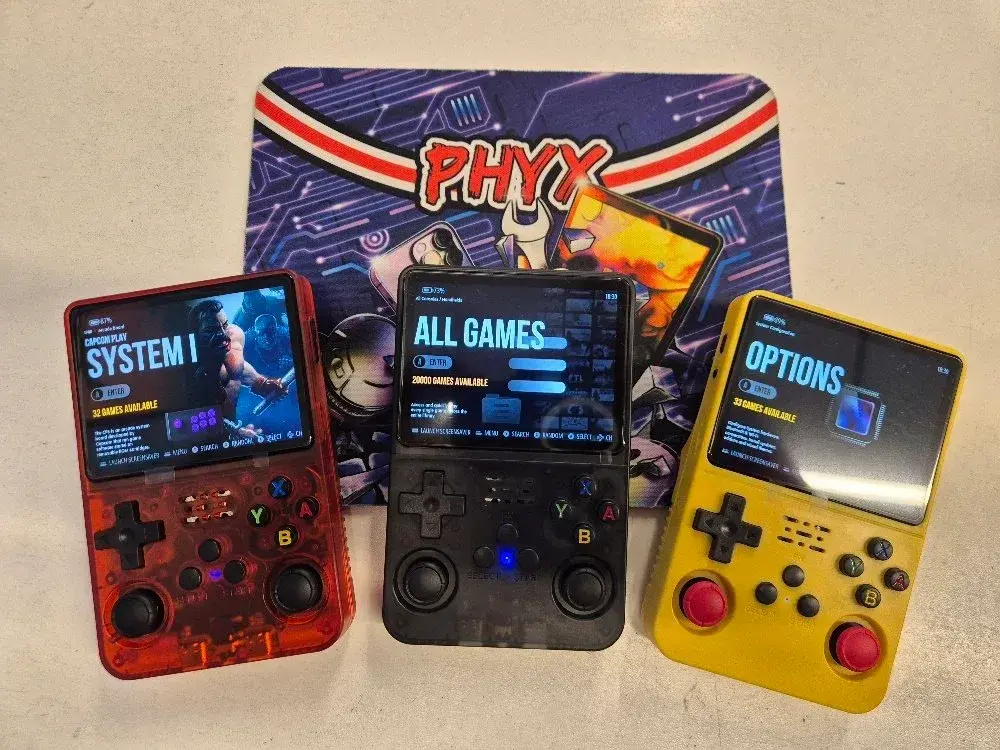
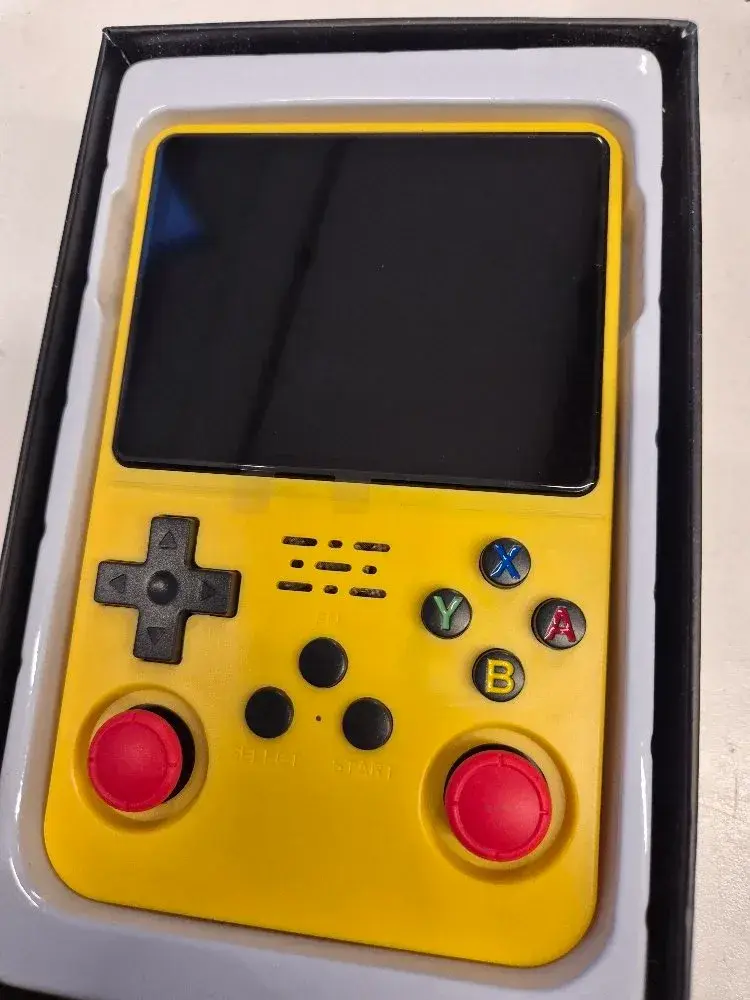
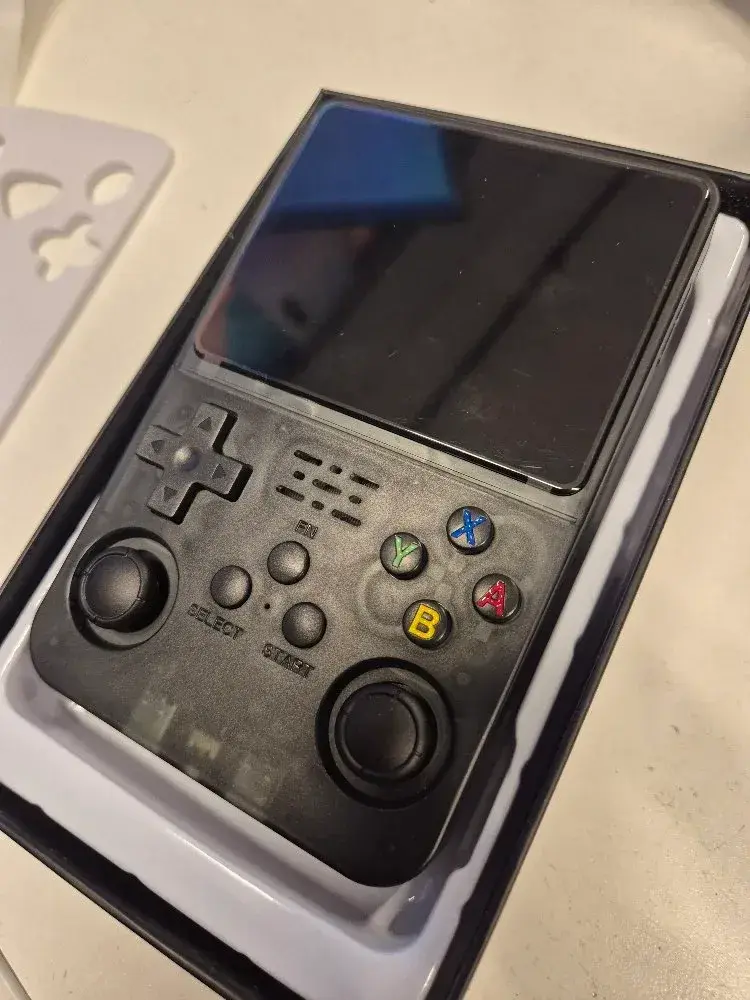
The R36S looks like an old Game Boy that went to the gym. It is pocket size, it has two analog sticks, and it ships with a huge library of classic games already loaded. We keep it in stock at PHYX, so we wanted a real answer to the question people ask at the counter: is it any good?
One of our team members played one for several days, on the couch and on the go. Here is what it does well, where it falls short, and the one habit that keeps your progress safe.
What the R36S Is and What Comes on It
The R36S is a Linux-based emulation handheld. It does not run its own games. It runs emulators, which are programs that copy the behavior of older consoles, so one device can play games from many systems.
There is no official R36S company or website. It is an unbranded design that many sellers build and sell. The Linux project ROCKNIX lists it under unbranded devices on its R36S device page, and notes that recent units shipped with a new display. So two R36S units can differ a little inside.
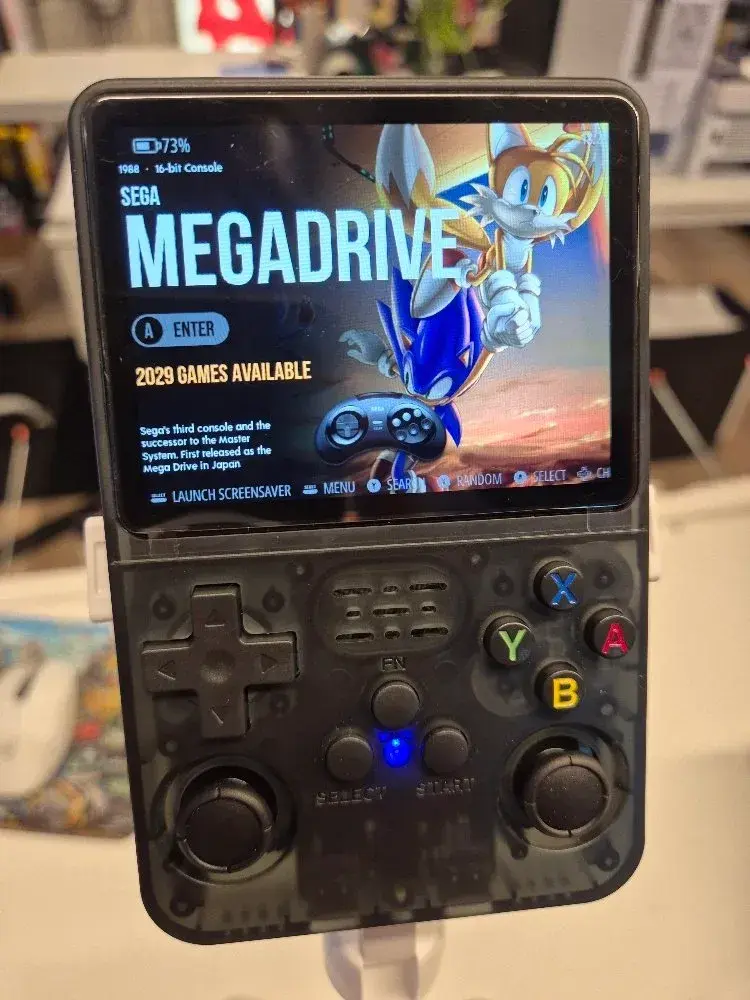
Our units are the 64GB version, preloaded with around 40,000 games. That library mostly fills the card, so there is not much free space out of the box. The library covers systems like the SNES, Sega Genesis, Game Boy Advance, Neo Geo, and the original PlayStation.
R36S hardware at a glance
The published specs, per retailer DroiX's R36S product page:
| Part | What it has |
|---|---|
| Screen | 3.5-inch IPS, 640 x 480, 4:3 shape |
| Chip | Rockchip RK3326, quad-core, Mali-G31 graphics |
| Memory | 1GB RAM |
| Battery | 3000mAh on the label of our units (DroiX lists 3200mAh), rechargeable over USB-C |
| Controls | D-pad, 4 face buttons, 2 analog sticks, 4 shoulder buttons |
| Wireless | None. No Wi-Fi, no Bluetooth |
| Audio | Built-in speaker and a 3.5mm headphone jack |
The 4:3 screen matters more than it sounds. Most retro consoles output a 4:3 picture, so older games fill the screen without black bars or stretching.
What We Like About the R36S
The controls handle more games than a Game Boy
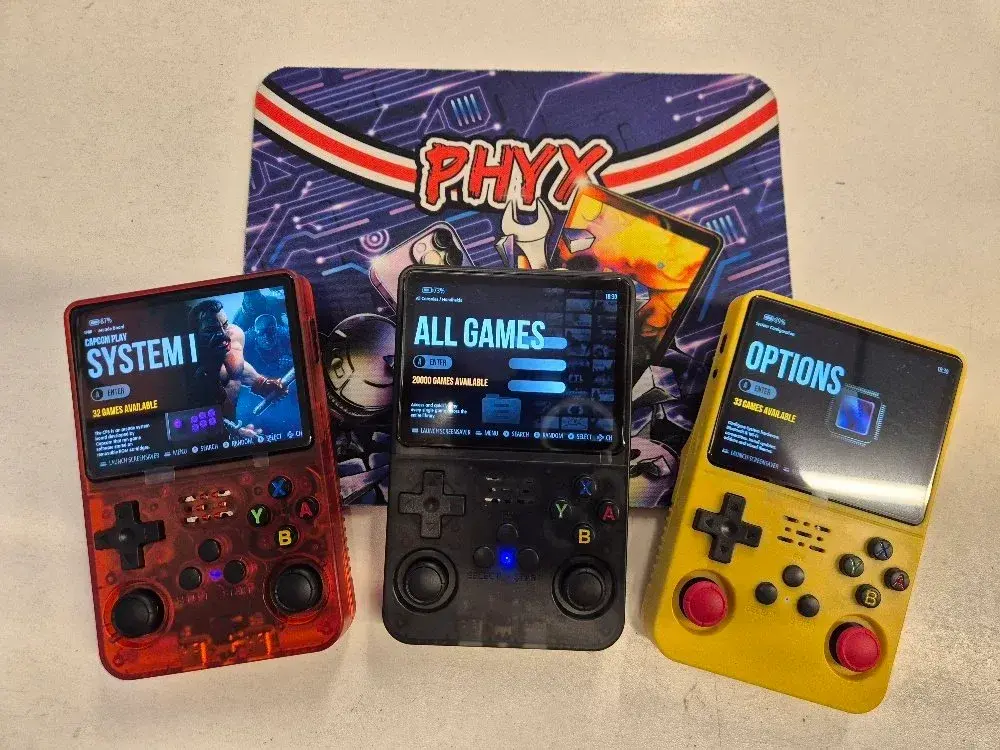
A classic Game Boy has a D-pad and two buttons. The R36S adds two analog sticks and four shoulder buttons on the back. That layout lets it handle PlayStation games that use both sticks, plus the shoulder-heavy games from the SNES and GBA.
It is not a perfect controller. The review at Retro Handhelds calls the face buttons stiff at first and the shoulder buttons large and flat. Our tester found the layout comfortable enough for long sessions, and the buttons loosen up with use.
Battery life holds up for real play
Our tester got a few solid hours of continuous play on one charge. That lines up with the spec sheet, which lists up to about 6 hours depending on use. Brightness, volume, and the system you emulate all change the number. A PlayStation game works the chip harder than a Game Boy game.
Sleep mode saves your spot and your battery
Tap the power button and the R36S goes into standby. Your game pauses right where you left it, and the battery drain drops way down. Press the button again and you are back in the action.
This is the feature that makes it a real on-the-go device. You can play in a waiting room, put it to sleep, and pick up the same moment later.
Where the R36S Falls Short
The big one: saves only stick after you exit the game
This is the only real drawback our tester found, and it is easy to miss. You save in the game, then hold the power button to shut the device off. Next time you load up, your save is gone.
Here is why. The R36S runs its games through an emulator front end called RetroArch. In-game saves sit in memory while you play and only get written to the SD card when you close the game properly. A RetroArch issue on GitHub describes it from the developer side: the save does not reach the disk until RetroArch exits cleanly. The muOS community guide on missing saves explains the same behavior on other RetroArch handhelds.
So sleep mode is safe. Your spot stays in memory. A full power-off before you exit the game is what wipes it.
| What you do | Is your progress safe? |
|---|---|
| Save in game, exit to the home screen, power off | Yes |
| Save in game, put the device to sleep | Yes, as long as the battery does not die |
| Save in game, power off without exiting | No. The save never reached the card |
| Battery dies while the game is open | No, for the same reason |
The fix is a habit. Save, exit back to the home screen, then power off.
PlayStation is the ceiling
The RK3326 chip is an older, low-power part. Retro Handhelds says these devices run systems up to the original PlayStation really well. N64, PSP, and Dreamcast games are on the card, but expect some of them to stutter or not run right.
If you want an R36S mostly for N64 or PSP, set your expectations first. For 8-bit, 16-bit, GBA, and PS1 games, it does the job.
No wireless at all
There is no Wi-Fi and no Bluetooth. You cannot pair wireless headphones, download games over the air, or update the system from the couch. Wired headphones work through the headphone jack.
How to Add or Remove Games on the R36S
The process is simple, but you need a computer. The games live on a micro SD card, so the computer needs a card slot or a cheap USB card adapter.
- Exit your game and power the R36S off.
- Pull the micro SD card and put it in your computer.
- Open the game folder on the card. Each console has its own folder.
- Copy game files into the matching folder, or delete the ones you do not want.
- Eject the card safely, put it back, and power on.
The games partition on most R36S cards is named EASYROMS. That is where the system folders live. The stock card comes mostly full, so to add a lot of games, delete some first or move up to a bigger card.
R36S Pros and Cons
| Good | Not so good |
|---|---|
| Pocket size with two analog sticks and four shoulder buttons | Saves only stick after you exit the game |
| Around 40,000 games preloaded on our units | N64, PSP, and Dreamcast games are hit or miss |
| A few solid hours of play per charge | No Wi-Fi or Bluetooth |
| Sleep mode saves your spot and your battery | Adding games needs a computer and a card reader |
| 4:3 screen fits retro games | Unbranded, so parts can change between production runs |
FAQ
> Q: Do I need to set anything up before I play the R36S?
>
> A: No. Charge it, power it on, and pick a system from the menu. The games are already on the card. The one thing to learn on day one is the save habit: save in the game, exit to the home screen, then power off. Do that and your progress stays put.
> Q: Can I use a bigger SD card in the R36S?
>
> A: Yes. Retailers list support for micro SD cards up to 128GB. The stock card comes mostly full, so a bigger card is the easy way to make room. Copy your games and save files to a computer first, then copy them to the new card. Pick a card from a brand you know.
Want to Try One?
We have the R36S 64GB retro handheld in stock for $60, and you can try one in person at the Springfield shop before you buy. Questions first? [Text PHYX at 413-234-4313](sms:+14132344313) or contact PHYX on Facebook.