

iPhone Won't Connect to Wi-Fi, Bluetooth, or Cellular? What Usually Broke Inside
Why an iPhone loses Wi-Fi, Bluetooth, and cellular at once, the checks to run first, and what board repair costs on iPhone 14 Pro and newer.
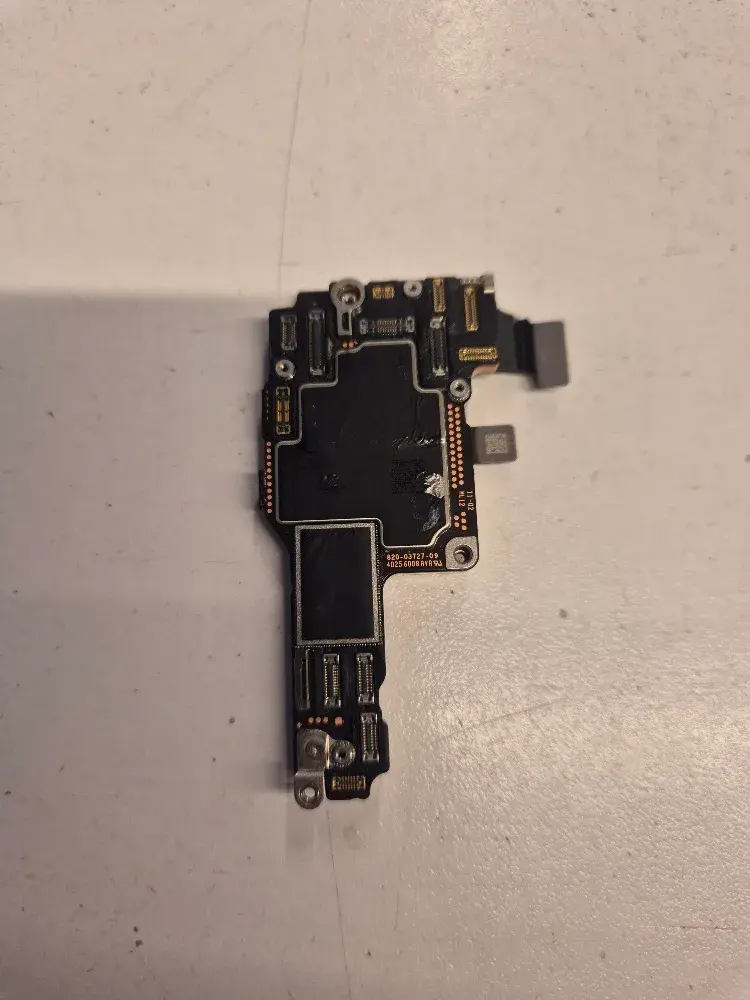
Your iPhone turns on. The screen works, the camera works, your photos are all there. But the Wi-Fi switch is grayed out, Bluetooth will not turn on, and the top corner says No Service.
When one of those breaks, it is often a setting or a carrier problem. When all of them stop together and stay stopped, the cause is usually on the logic board, the main circuit board inside the phone. Here is what is going on, what to try first, and when it is worth fixing.
How Your iPhone Handles Wi-Fi, Bluetooth, and Cellular
These features do not all run on one chip.
- Wi-Fi and Bluetooth share one wireless chip. For years Apple bought that chip from Broadcom. The iPhone 17 lineup uses Apple's own N1 wireless chip, which handles Wi-Fi 7, Bluetooth 6, and Thread.
- Cellular runs on a separate modem. That is a different chip with its own antennas.
That split explains a lot. When Wi-Fi and Bluetooth die together, the shared wireless chip or its connection to the processor is the first suspect. When cellular goes down too, the fault is usually somewhere both paths share.
Why All of It Can Fail at Once
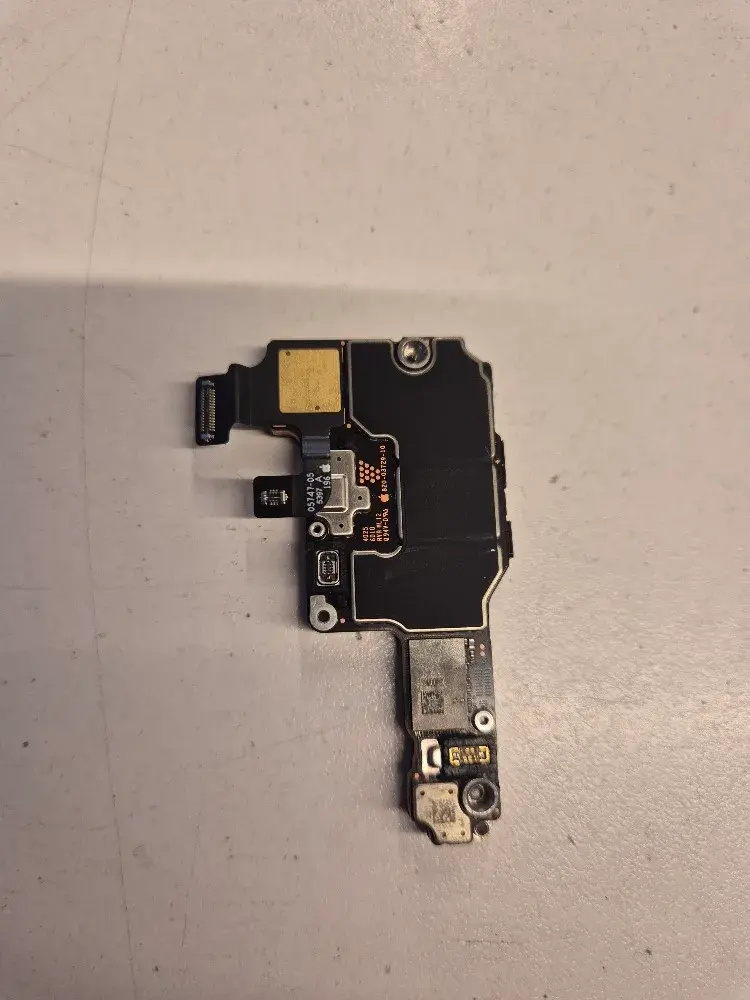
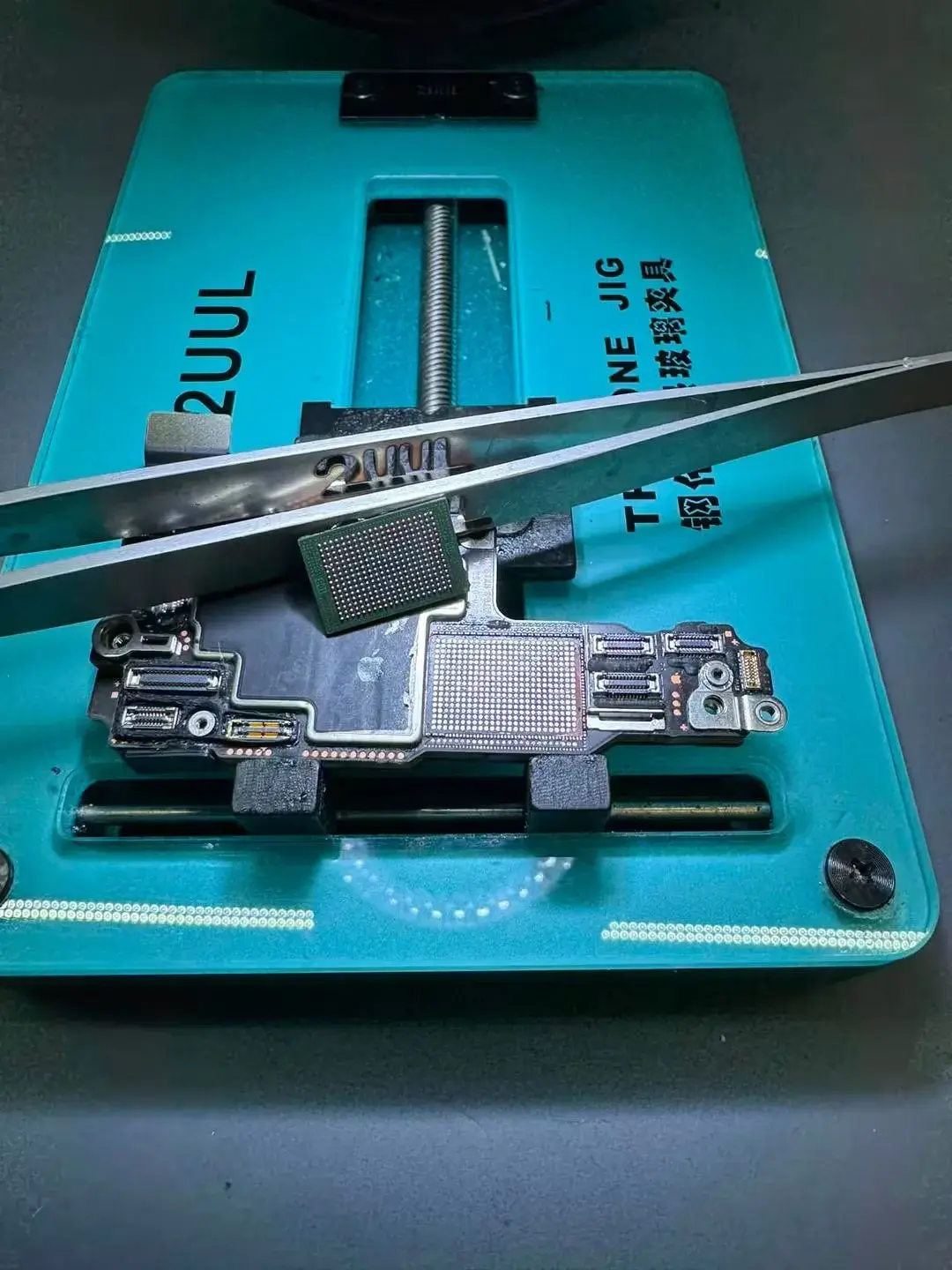
Most iPhones from the iPhone X onward use a stacked logic board. It is two circuit boards sandwiched together, connected by hundreds of tiny solder joints through a middle layer called an interposer.
iFixit's Bluetooth troubleshooting guide explains the common failure. A heavy drop or a bend cracks the connections between the two boards. The wireless chip is still on the board, but the processor can no longer talk to it. Grayed-out Bluetooth, often with Wi-Fi dead too, is the classic sign.
A drop can break several signal paths at the same time, so cellular can go with them. A power problem on the board can do the same thing. Several faults produce the same symptoms, which is why we test before we quote a fix.
| What you see | What it usually points to |
|---|---|
| Wi-Fi will not join one network, everything else works | Router, password, or settings |
| No Service only, Wi-Fi and Bluetooth fine | Carrier, SIM or eSIM, or the cellular side of the board |
| Wi-Fi and Bluetooth grayed out, cellular fine | Wireless chip or its board connection |
| Wi-Fi, Bluetooth, and cellular all dead after a restart | Logic board fault, often after a drop |
Try These Before You Bring It In
Run these first. They cost nothing, and they rule out the easy causes.
- Restart the phone. Apple's own Wi-Fi troubleshooting page says to restart first when the Wi-Fi switch is dimmed.
- Turn Airplane Mode on, then off.
- Update iOS and check for a carrier settings update. Apple covers both on its No Service or Searching page.
- Reset network settings. Go to Settings, General, Transfer or Reset iPhone, Reset, Reset Network Settings. This erases saved Wi-Fi passwords, so have them handy.
- Call your carrier if only cellular is down. Make sure the account is active and the line is not blocked.
If the Wi-Fi and Bluetooth switches are still grayed out after all of that, software is no longer the likely cause.
What the Repair Involves
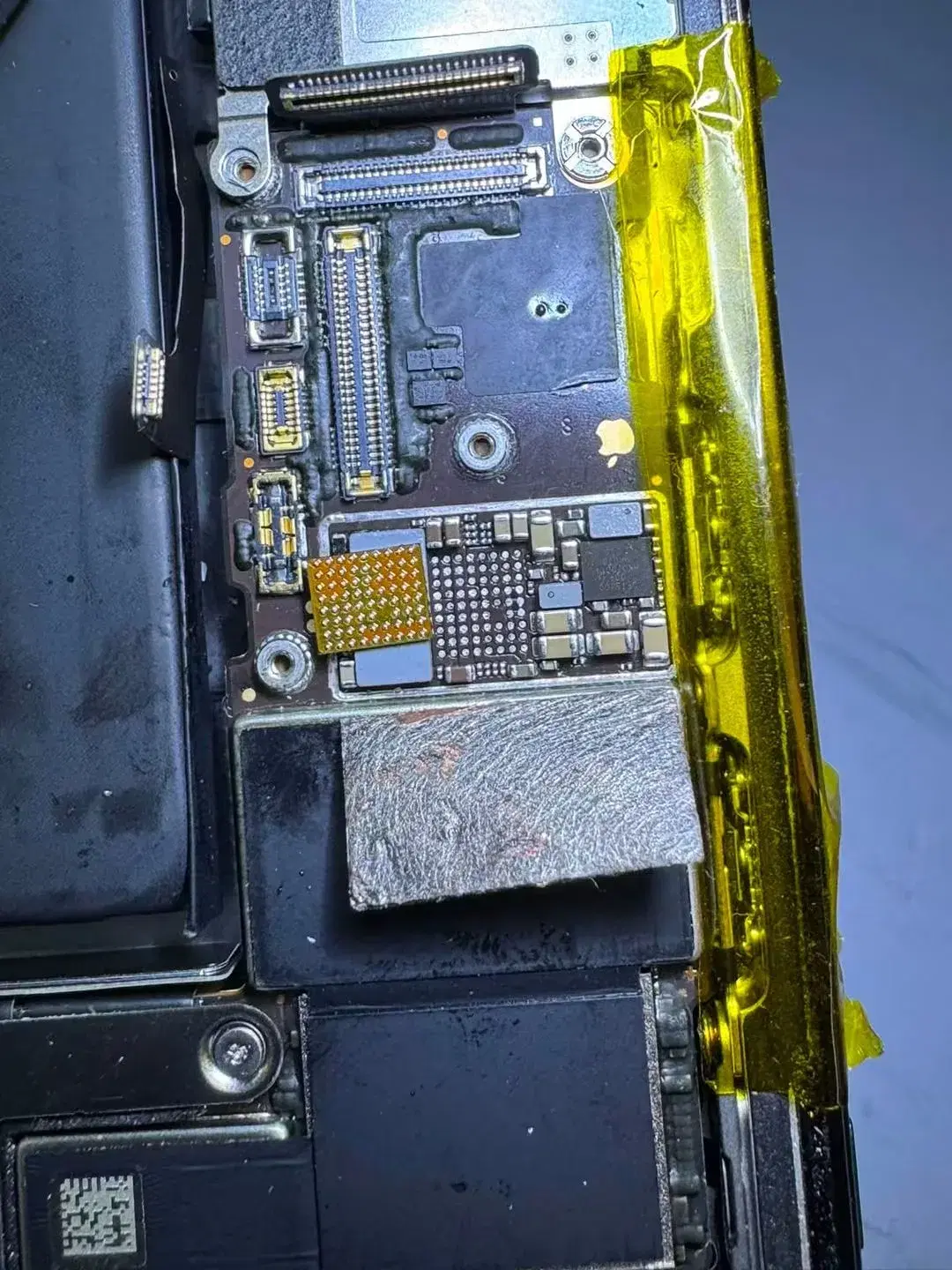
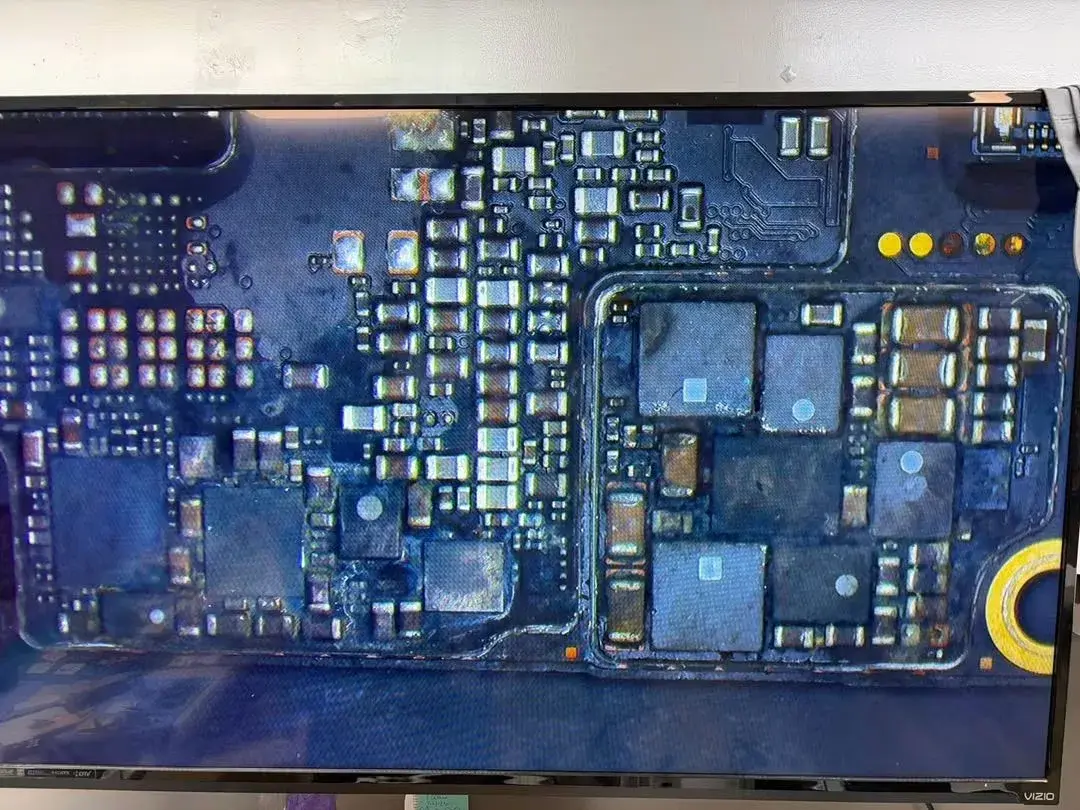
This is board-level work. Depending on what we find, it can mean separating the two board layers, repairing damaged pads or traces, re-balling the interposer, and putting the stack back together. Then we test Wi-Fi, Bluetooth, and cellular one at a time before the phone goes back to you.
We tell you what we found and what it will cost before we start. Our fees are never hidden. If we cannot fix it, we usually do not charge. A bench fee applies only when the job took significant work or a repair partner charged us for it, and we tell you about it before it applies.
What It Costs, and Which iPhones We Fix
| iPhone model | Our approach | Expected cost |
|---|---|---|
| iPhone 14 Pro, 14 Pro Max, and newer | We take on this repair | Around $300, no more than $400, depending on the model |
| iPhone 14, 14 Plus, and older | We usually do not take on this repair | Ask us about your options |
Why the cutoff? On an iPhone 14 or older, the market value of the phone usually does not justify the cost of a board repair. Buying a different phone, or a better one, usually makes more sense. We can help you look at options, including our refurbished inventory.
FAQ
Q: Will I lose my photos and data during a logic board repair?
A: The repair works on the board and does not erase the phone on purpose. We still cannot promise your data in every case, because board work carries risk. Back up first. Your phone cannot reach iCloud without a connection, but you can back it up with a cable to a Mac using Finder, or to a Windows PC using the Apple Devices app.
Q: My iPhone is still under AppleCare. Can I still bring it to you?
A: Check with Apple first. A repair at an independent shop like ours can void the manufacturer's warranty. If Apple will cover it, that is usually your cheapest route. If Apple declines it, or your coverage has ended, bring it in and we will test it and give you a quote before any work starts.
Q: Can I use Wi-Fi calling while the board is damaged?
A: Usually not. Wi-Fi calling needs a working Wi-Fi connection, and the Wi-Fi side is one of the parts that failed. If cellular still works, normal calls can still go through. If all three are down, the phone will not make or take calls until the board is repaired.
Get Your iPhone Tested
If your Wi-Fi, Bluetooth, and cellular all quit at once and the steps above did not bring them back, bring the phone to our shop in Springfield for testing.
Call PHYX at 413-234-4313 or email PHYX at repairs@phyx.me with your iPhone model, and we will tell you if it is one we can fix.