

Gaming PC Performance in Chicopee, MA: Boost FPS Without Replacing Your Rig
Most FPS drops, lag, and overheating trace back to dust, drivers, storage, or thermal paste—not a dead CPU. A $100–$300 tune-up at PHYX often matches a $1,500+ new build.
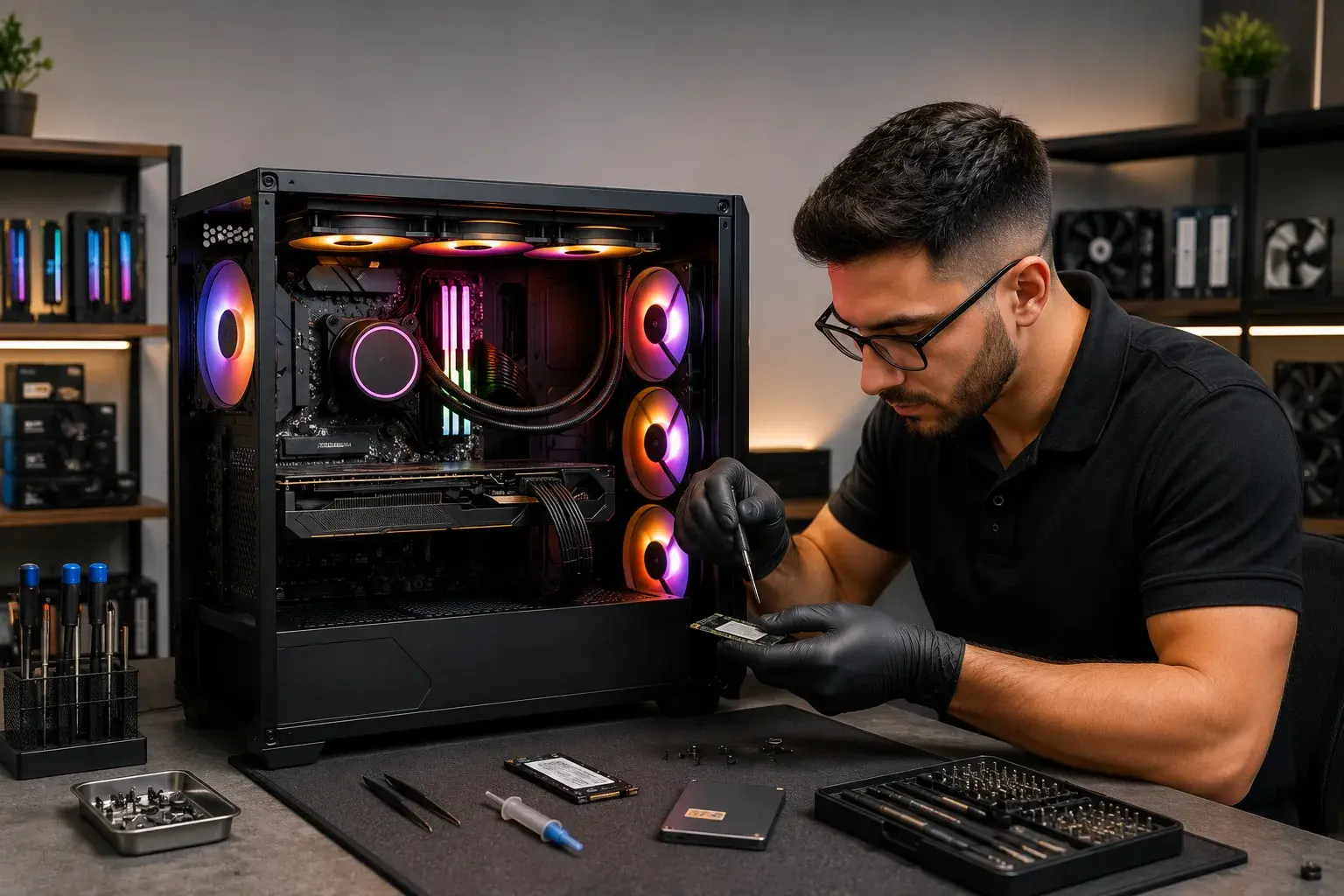
You're mid-game. The FPS tank. Your rig overheats. Or everything loads like molasses. In Chicopee, MA, dropping hundreds on a new gaming PC feels inevitable. But replacing your entire setup is often the wrong move.
Most FPS drops, lag, and overheating come from dust, drivers, storage type, or thermal paste, not a dead CPU. PHYX Repairs in nearby Springfield, MA specializes in gaming PC optimization. A $100-$300 upgrade often restores performance that matches a $1,500+ new build.
What Causes FPS Drops
| Problem | Typical Cause | DIY Check | What PHYX Repairs Does |
|---|---|---|---|
| FPS Tank (15-40% drop) | Outdated drivers, background apps | Check Device Manager for driver date | GPU driver update, cleanup |
| Game Stuttering | Thermal throttling, low RAM | Monitor CPU/GPU temps during play | Dust cleaning, thermal paste, RAM eval |
| Overheating & Shutdown | Dust accumulation, broken fans | Feel exhaust heat; check fan spin | Deep clean, airflow audit, PSU check |
| Slow Load Times | HDD instead of SSD | Check storage type in Settings | SSD upgrade (biggest impact) |
| Random Crashes | Power supply failing or RAM issue | Use stability test software | Diagnostics + PSU or RAM replacement |
Three High-Impact Upgrades
1. Upgrade to an SSD (Biggest Bang for Your Buck)
Switching from an HDD to an SSD is the single most impactful upgrade for gaming.
Impact: 2-3x faster game loads, instant OS boot, no stuttering during asset streaming.
Cost: $60-$150 for a 500GB–1TB drive.
Time: PHYX Repairs installs it same-day.
Even older gaming PCs feel new with an SSD.
2. Dust Removal & Thermal Paste Replacement
Dust is your PC's silent killer. It traps heat. Your GPU and CPU throttle back performance to cool down.
What PHYX Repairs does:
- Removes dust from all fans, heatsinks, and vents
- Cleans GPU cooler thoroughly
- Replaces thermal paste on CPU (often caked on after years)
- Tests cooling with diagnostics
Cost: $50-$120.
Result: 10-20°C temperature drop. Better sustained FPS.
3. Update GPU Drivers
NVIDIA and AMD release drivers monthly. Missing updates can cut FPS by 15-40%.
PHYX Repairs:
- Checks current driver version
- Installs latest stable driver
- Tests for stability post-update
Cost: Often included in a tune-up service.
When to Call in a Pro
If you've tried the basics and still see:
- FPS stuck under 60 in games that should run higher
- Repeated crashes or blue screens
- CPU/GPU temps above 85°C during play
- Power-offs without warning
- Stuttering even at low settings
Stop guessing. PHYX Repairs diagnoses your bottleneck with benchmarking software and precise measurements.
Why Chicopee Gamers Choose PHYX Repairs
Real diagnostics. PHYX Repairs uses benchmarking tools to measure your exact performance. No guesswork.
Custom solutions. Not every PC needs a $500 GPU upgrade. PHYX identifies what actually needs fixing.
Affordable upgrades. An SSD, fresh thermal paste, and driver update cost $150-$300 and often deliver results that rival a $2,000 new build.
Same-day or next-day service. You're not waiting weeks for your gaming rig.
Trusted locally. 10+ years in business, 4.5 stars across 769 Google reviews, voted Best Phone & Computer Repair Shop 2026 by Valley Advocate.
The Optimization Process
Step 1: Benchmark
PHYX Repairs runs performance tests to pinpoint your bottleneck (CPU-bound, GPU-bound, thermal throttling, RAM, or storage).
Step 2: Evaluate
The technician explains what's limiting your FPS in plain language and suggests prioritized upgrades.
Step 3: Execute
Install the SSD, update drivers, clean internal components, or replace thermal paste—whatever makes sense for your budget.
Step 4: Retest
Run benchmarks again to show you the improvement.
Gaming PC Services PHYX Repairs Offers
- SSD & RAM upgrades
- Thermal paste replacement & cooling system cleaning
- GPU and CPU driver optimization
- Power supply diagnostics and replacement
- Full system diagnostics & benchmarking
- Custom gaming PC builds (various budgets and specs)
- Water cooling maintenance
Repair vs. Replace: The Math
New Gaming PC (mid-range): $1,200–$1,800
SSD upgrade: $60–$150
Thermal paste & cleaning: $50–$120
Driver update & cleanup: $0–$50
Total optimization: $150–$300
Result: Often matches or exceeds new-PC performance for 1/6th the cost.
FAQ
Can you actually make my old gaming PC run modern games at high FPS?
Absolutely. Most performance issues come from dust, outdated drivers, or an HDD holding back an otherwise capable GPU. An SSD upgrade alone transforms a sluggish rig. We'll benchmark it first and let you know realistic FPS targets.
What's the difference between benchmarking and just "testing"?
Benchmarking uses repeatable tests to measure exact FPS, temperatures, and power draw. PHYX Repairs runs the same benchmark before and after optimization so you see the actual improvement in numbers, not just opinion.
Is water cooling worth it for gaming in Chicopee?
Only if you're heavily overclocking or running sustained high loads. Most gamers see better value in a clean air cooler, fresh thermal paste, and better case airflow. We'll recommend what fits your setup and budget.