

West Springfield Computer Repair: When to Fix vs. Buy New
Buying new costs $600-$1,500+ while most repairs run $100-$400. The right call for your West Springfield computer hinges on one thing: what's actually broken.
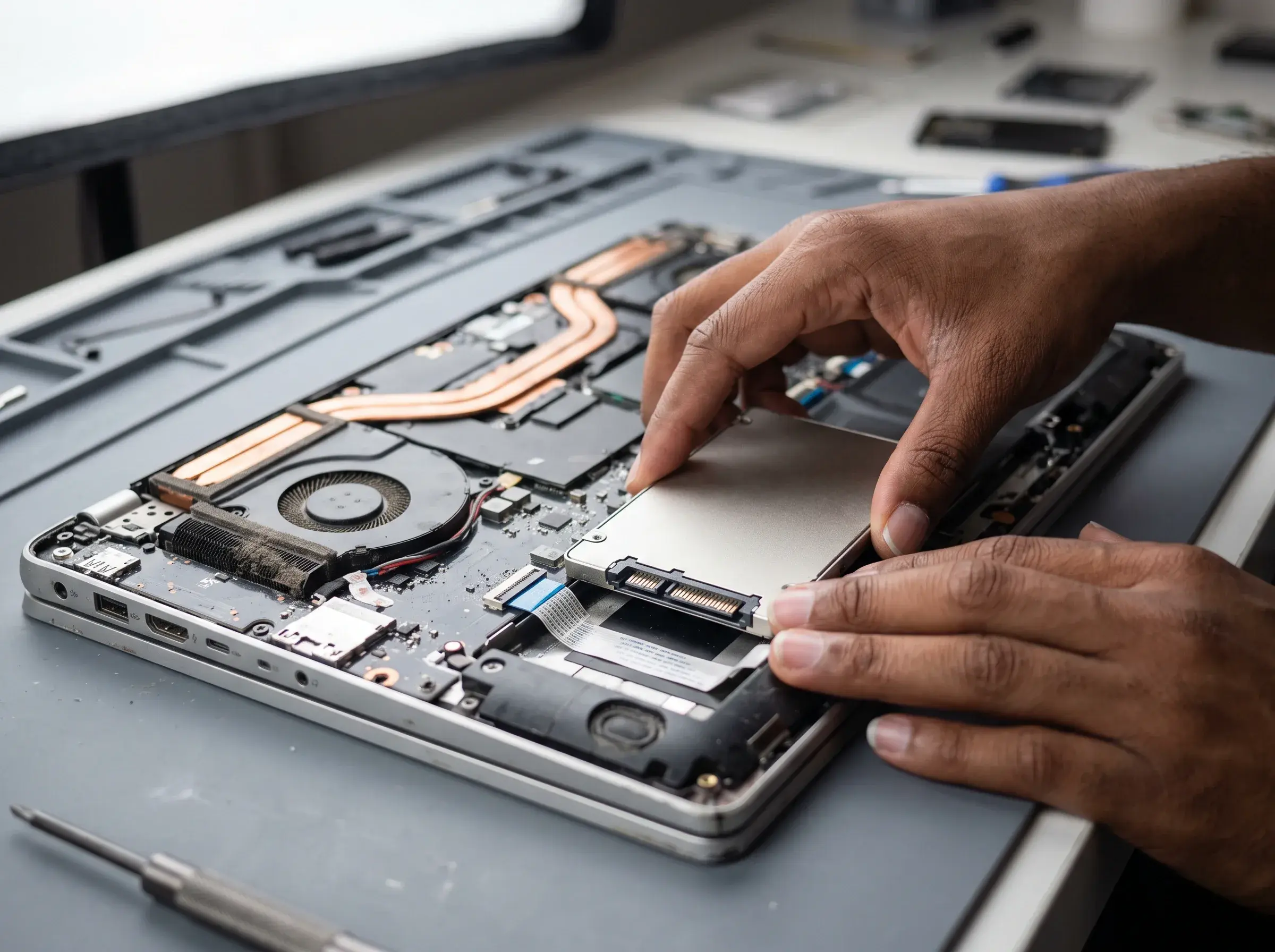
Your computer slugs. Random crashes. Won't turn on. In West Springfield, MA, that computer is your work hub, entertainment center, and communication tool. When it malfunctions, the question isn't just "can it be fixed?" It's "should it be fixed?"
Buying new costs $600-$1,500+. Most repairs cost $100-$400. The decision hinges on one thing: what's actually broken.
PHYX Repairs, just across the river in Springfield, has spent 10+ years helping West Springfield residents make this exact call. They'll diagnose your computer, show you repair vs. replacement costs, and recommend what makes sense for your device and budget.
Common Computer Problems
| Problem | Symptoms | Likely Cause | Repair Cost | Buy New Cost |
|---|---|---|---|---|
| Sluggish Performance | Apps lag, startup takes 3+ min | HDD, malware, or RAM maxed | $80-$200 (SSD/cleanup) | $700+ |
| Overheating & Loud Fans | Constant fan noise, thermal shutdowns | Dust buildup, failing cooler | $60-$150 (cleaning) | $700+ |
| Random Freezes/Blue Screen | System hangs, restarts unexpectedly | Software issue, failing drive, or RAM | $80-$250 | $700+ |
| Won't Power On | No lights, no startup noise | PSU failure, motherboard issue, or failed drive | $60-$350 | $700+ |
| Broken Screen/Keyboard | Physical damage, keys don't work | Component failure | $80-$250 | $600-$1,500 |
Repair Makes Economic Sense When:
- Device is less than 6-8 years old. Older components often fail in clusters.
- It still powers on. If your PC boots, most issues are fixable.
- Only one component failed. If the hard drive died but the CPU, RAM, and power supply are fine, an SSD upgrade solves it.
- Repair cost is under 40% of replacement. If repair is $250 and a new PC costs $800, fix it.
- Your data is important. Hard drives often contain years of files. Replacement means starting fresh (or paying for data recovery).
Example: Your 2019 HP laptop is slow. Diagnosis: 500GB HDD, 8GB RAM, Windows 11 running fine. SSD upgrade ($120) + system cleanup ($50) = $170 total. Same laptop new costs $700+. Repair is the clear win.
Replacement May Make Sense When:
- Logic board or motherboard is dead. These are expensive to replace and indicate aging hardware.
- Multiple components are failing. Screen broken + hard drive failing + battery dead + fan broken = expensive multi-part repair.
- The device won't turn on and diagnostics show major damage. PSU and motherboard can't be easily repaired.
- Repair quote exceeds 50% of the device's value. At that point, better to invest in new and get a warranty.
Example: 2012 HP desktop won't turn on. Diagnostics show a failed power supply ($80-$120) and a possibly failing hard drive (unknown cost until replaced). With a screen, keyboard, and mouse, the whole setup would cost $400-$600 to fully replace. But the device is 14 years old. Replacement makes more sense than sinking another $300+ into aging hardware.
The PHYX Repairs Difference
Diagnosis before commitment. PHYX Repairs tests your computer, shows you what's failing, and runs diagnostics to rule out other problems.
Repair vs. replacement guidance. They won't push an expensive fix if replacement is the smarter choice.
Fixed pricing. No surprises. You know the cost before they start work.
Expertise in both Windows and Mac. Desktop or laptop, old or newer—PHYX handles it.
Honest, non-sales approach. PHYX makes money fixing computers, but they'd rather help you keep your device working than force a replacement.
Services PHYX Repairs Offers
- SSD & RAM upgrades (dramatically boost performance)
- Thermal paste replacement & dust cleaning
- Hard drive cloning to SSD
- Power supply diagnostics and replacement
- Full system diagnostics & benchmarking
- Malware and virus removal
- Windows and macOS OS reinstalls
- Screen and keyboard replacement
The Financial Reality
Scenario A: SSD Upgrade
Slow 2018 laptop with HDD. Upgrade to SSD = $120 installed. PC feels 3-5x faster. No replacement needed.
Scenario B: Dust Cleaning & Thermal Paste
Desktop overheats and shuts down. Clean internals, replace thermal paste = $80-$120. Temps drop 10-20°C. Device stays stable for 3-5+ more years.
Scenario C: Major Motherboard Failure
PC won't power on. Logic board is fried. Replacement and labor = $250-$400+. New PC = $700+. Replacement is the financial win here.
The Process at PHYX Repairs
Step 1: Bring it in
Walk in or call 413-234-4313. No appointment needed.
Step 2: Diagnosis
15-30 minutes of testing. You see the results.
Step 3: Quote and guidance
They explain repair costs, parts quality, and realistic expectations. They'll also tell you if replacement makes more sense.
Step 4: Your call
You decide. No pressure. No hidden fees.
Step 5: Repair or referral
If repair makes sense, PHYX handles it (usually same-day). If replacement is better, they'll give you honest advice on what to look for in a new PC.
Stop Wondering. Get a Real Diagnosis.
Bring your computer to PHYX Repairs and get honest guidance on whether to fix it or replace it. Most people save hundreds by repairing instead of buying new.
PHYX Device Repair
📍 95 Mill Street, Springfield, MA 01108
📞 413-234-4313
🕐 Mon–Fri: 10:00 AM–7:00 PM | Sat: 12:00 PM–5:00 PM
🌐 phyx.me
Serving West Springfield, Springfield, and all of Western MA. Quick diagnosis. Honest repair guidance. No appointment needed.
FAQ
How do I know if it's worth fixing my old computer?
Bring it to PHYX Repairs and let them run diagnostics. If the repair costs under 35-40% of a replacement PC, and your data is on the drive, fixing usually wins. If the motherboard is dead or multiple components are failing, replacement is often smarter.
Can you speed up my Windows PC without replacing the drive?
Yes, but limited. System cleanup, malware removal, and RAM upgrade help. But if you have an HDD (spinning disk), an SSD upgrade is the game-changer. The OS will feel 5-10x faster.
Is a 2015 or 2016 PC worth fixing?
Possibly. Depends on what's broken. If it's an SSD upgrade or thermal cleaning, yes. If the motherboard or PSU is dying, probably not. Bring it in and PHYX Repairs will give you a real answer.
Can you recover files from a computer that won't start?
Often yes. PHYX Repairs can remove the drive, attach it to another system, and recover data. Cost depends on how damaged the drive is. If they can't recover anything, they usually don't charge—ask when you visit.