

Assassin's Creed Shadows – What Springfield Gamers Need to Know
Assassin's Creed Shadows is one of the most demanding games ever released. Here's whether it's worth your time, and whether your Springfield PC or console can actually run it.
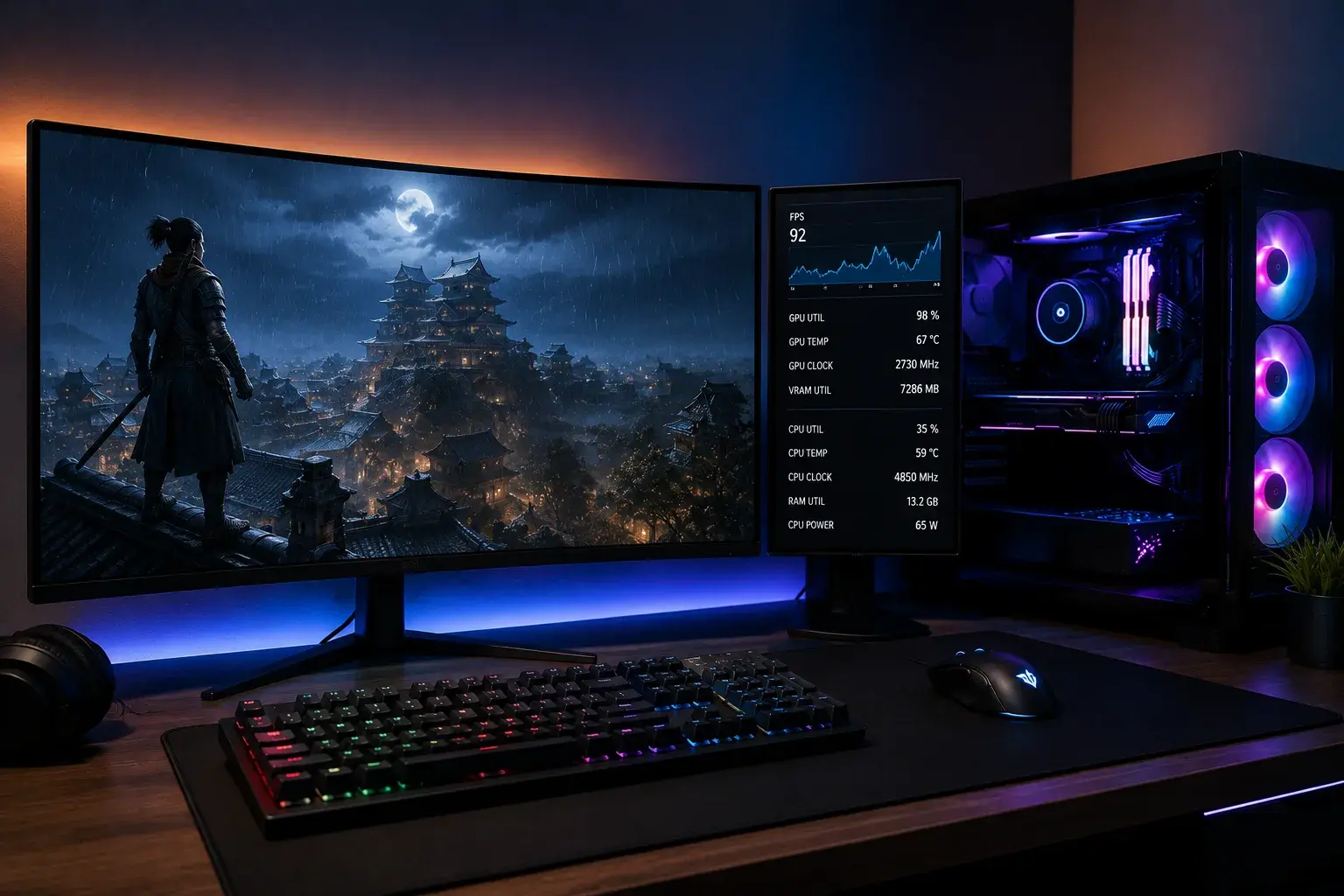
Assassin's Creed Shadows dropped in March 2025 and immediately became one of the most talked-about games of the year. It's also one of the most demanding.
If you're thinking about buying it, here's everything Springfield gamers need to decide: Is it worth your time? Can your hardware run it? And where to go if you need repairs or upgrades.
What Is Assassin's Creed Shadows?
AC Shadows is set in 16th-century feudal Japan during the Sengoku period. You play as two characters: Naoe, a female shinobi assassin from Iga Province, and Yasuke, a legendary samurai with a documented historical presence.
The game lets you switch between them mid-mission. Naoe handles stealth with grappling hooks and kunai. Yasuke uses brutal melee combat and bow takedowns.
The story is about survival, honor, and finding purpose in a country torn apart by war. It's not a typical open-world power fantasy—it's grounded and character-driven.
Gameplay: Who Should Actually Play This?
Buy Shadows if:
- You love stealth gameplay done right
- Open-world exploration matters more than linear missions
- You care about story and character development
- You're okay with slower pacing between action sequences
Skip it if:
- You only play for multiplayer combat
- You want non-stop action (many missions have stealth-heavy phases)
- You dislike games that require patience and planning
Can Your PC or Console Actually Run It?
PlayStation 5
AC Shadows runs at 60 FPS on PS5 with high settings and ray tracing enabled. Performance is solid, though some players report occasional frame dips during heavy rain or crowded cities.
Bottom line: Your PS5 will handle it without upgrades.
Xbox Series X
Same story as PS5. 60 FPS, high settings, stable performance. Series S (the lower-tier Xbox) struggles at 1080p 30 FPS—not ideal for a game this beautiful.
Bottom line: Series X handles it great. Series S? Only if you can tolerate 30 FPS.
Windows PC
This is where things get complicated. AC Shadows is one of the most demanding games ever released. If you want to pin down the exact thresholds, PC Gamer's system requirements breakdown is a good reference.
Minimum (1080p, 30 FPS, low settings):
- RTX 2070 / RX 5700 XT
- 16GB RAM
- SSD required
- Intel i7-10700K or Ryzen 5 3600
Recommended (1440p, 60 FPS, high settings):
- RTX 3080 / RX 6800 XT
- 32GB RAM
- NVMe SSD
- Intel i7-13700K or Ryzen 7 5800X3D
Ultra (4K, 60 FPS, ray tracing maxed):
- RTX 4090 / RX 7900 XTX
- 32GB DDR5 RAM
- Fast PCIe 4.0 SSD
- Latest generation CPU
Reality check: Most Springfield gamers don't have ultra-tier hardware. If your PC is 3+ years old, plan for medium settings at 1440p or 1080p high.
How to Know If You Can Run It
Visit your system specs (Settings > System > About on Windows). Check your GPU model and RAM. If you're not sure how your card stacks up, the TechPowerUp GPU database lets you compare any card head-to-head.
Quick rule: If your graphics card is an RTX 2060 or older, or an AMD equivalent, plan on low settings. You'll still enjoy the game, but it won't showcase what Shadows is capable of.
Better rule: If your PC cost under $1,000 new, upgrade your GPU before playing. PHYX Repairs in Springfield can source and install a compatible RTX 3070 or 4070 for you—no shipping hassles, local pricing.
What Makes Shadows So Demanding?
Ubisoft uses a heavily updated engine (Anvil 2.0) with features no previous AC game had:
- Ray-traced global illumination
- Real-time reflections on water and wet surfaces
- Dynamic weather that affects gameplay
- Destructible objects in temples and buildings
- 4K resolution options with high-detail NPCs
All this creates a world that reacts to you. Rain affects visibility, shadows matter for stealth, fire spreads realistically. It's technically impressive, but it costs performance.
Thermal & Hardware Issues Gamers Report
Common PS5 issues:
- Occasional coil whine (buzzing from the power supply) during intensive scenes
- Console getting warm but not overheating under normal conditions
- Rare HDMI connection drops after 2+ hour sessions
Common PC issues:
- GPU thermal throttling if your case airflow is poor
- CPU bottlenecks on older mid-range processors
- Stuttering with high settings and ray tracing on 8GB RAM systems
Solution: Clean your console fans or improve your PC's ventilation before launch. PHYX offers professional console cleaning and PC diagnostics in Springfield if you're worried.
Should You Buy It? Honest Take
The game is legitimately great. It's the best Assassin's Creed since Origins. The story lands, the stealth mechanics are satisfying, and feudal Japan is beautiful enough to explore aimlessly.
But it demands respect. You can't just install it and play maxed settings. Budget 20–30 minutes to tweak graphics settings for your hardware.
If you love stealth games, historical settings, or character-driven narratives, buy it. If you want the console version, PS5 and Xbox Series X both handle it beautifully.
If you're on PC with older hardware, either upgrade your GPU first or adjust to medium settings. Both work fine. You can check current pricing and user reviews on the game's Steam store page before you commit.
Performance Optimization Tips
If your PC is struggling:
- Disable ray tracing – Cuts GPU load by 30%, minimal visual loss
- Lower resolution to 1440p – Huge FPS bump, still looks sharp
- Reduce draw distance – Cuts pop-in; you won't notice while moving
- Cap frame rate at 60 FPS – Stops thermal throttling mid-session
If your console is running hot:
- Ensure at least 4 inches of clearance around vents
- Use a console stand, not an enclosed TV shelf
- Play in a cool room (AC helps during summer marathons)
- Clean dust filters every 3 months during heavy gaming
Repair & Upgrade Concerns
Most AC Shadows players experience zero hardware problems. But launch week is when failures happen—thermal paste dries up, power supplies are stressed, HDMI connections get tested.
Prevention:
- Console cleaning before you play
- GPU health check before upgrading
- SSD speed test to ensure fast load times
PHYX in Springfield handles all this with same-day diagnostics and honest pricing. No hidden fees, no upselling.
Contact PHYX for Hardware Help
PHYX Device Repair & Sales
95 Mill Street, Springfield, MA 01108
413-234-4313
Hours:
Monday–Friday: 10am–7pm
Saturday: 12pm–7pm
What we do:
- GPU upgrades for AC Shadows and other demanding games
- PC diagnostics and performance tuning
- Console cleaning and thermal maintenance
- Data recovery if something fails during play
- Same-day service for most repairs
We're trusted: Voted Best Phone & Computer Repair 2026 by Valley Advocate Readers' Poll. 769 Google reviews, 4.5 stars. In business since 2015. 10+ years serving Springfield and Western MA.
Ready to Play Shadows?
AC Shadows is worth your time if stealth and story matter to you. Make sure your hardware is ready first—either upgrade your PC or clean your console before launch.
Not sure if your setup can handle it? Bring it to PHYX in Springfield. We'll run diagnostics, recommend upgrades if needed, and get you gaming without regrets.
Visit us today or call ahead.
FAQ
Is Assassin's Creed Shadows a must-play?
If you love stealth, open worlds, or historical settings, absolutely. It's the most technically impressive AC game ever made. If you only play shooters or multiplayer games, pass. You'll likely find the pacing slow.
Will my RTX 2080 handle Shadows at 1440p?
Yes, at medium-to-high settings with ray tracing off. You'll hit 60 FPS most of the time. Crowded cities might drop to 50 FPS, which is acceptable. Test it before judging. PHYX in Springfield can run a benchmark for you if you're unsure.
Should I upgrade my PC before buying Shadows?
Only if your GPU is older than 2020 or you currently play at low settings on other modern games. A $400–600 GPU upgrade (RTX 3070 or equivalent) gives you 3–4 years of high-end gaming. PHYX can help source and install the right card for your case and power supply.
Is the PS5 version better than PC?
They're comparable. PS5 is plug-and-play with no tweaking. PC offers higher frame rates and resolution if you have the hardware. For comfort, PS5 wins. For visual fidelity, high-end PC wins. Both deliver excellent experiences.