

Chicopee, MA Gaming PC Setup & Repair: How to Boost FPS Without Replacing Your Rig
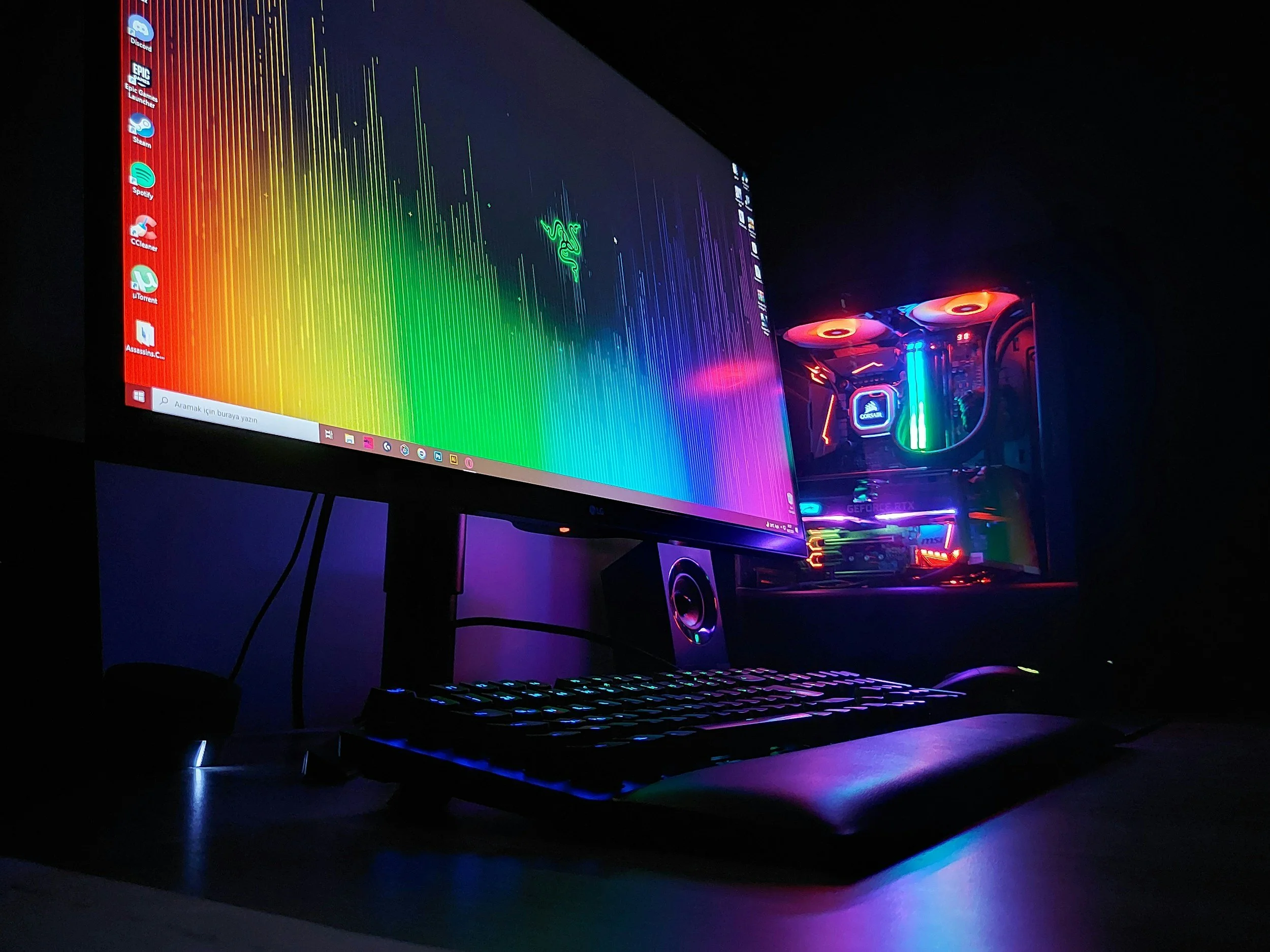
For PC gamers living in Chicopee, MA, experiencing a lag in your gaming performance can be one of the most annoying issues whether it’s your FPS takes a nosedive in the middle of an online match, your game takes ages to load, or your PC begins to overheat the moment you try to max it with an intense game like Warzone, Fortnite, Apex, or even Cyberpunk 2077. You might even think it’s time to buy a new PC. Before jumping to that conclusion, most issues associated with poor gaming performance could easily be sorted by a few well-placed upgrades, tweaks, and setting optimizations.
In the following guide, I will explain how to improve gaming performance, boost FPS, and when it’s necessary to call in a professional. PHYX Repairs in Springfield, MA is the nearest and best PC gaming repair and tuning shop and is a great option.
Reasons Behind FPS Drops On Your Gaming PC
FPS drops can be one of the most common issues and can be caused by:
Dust and overheating
Outdated graphics drivers
A weak or failing power supply
HDD storage when an SSD is needed
Too many background apps
Cooling issues
Before going to buy a new PC, there are areas that should be addressed first.
Easy Ways to Increase Your Frames Per Second (FPS)
1. Upgrade to an SSD
Upgrading from a hard disk drive (HDD) to a solid-state drive (SSD) will greatly help with loading times of games. SSDs greatly help speed up the booting of the system and responding to commands as well.
This is one of the cheapest and highest-impact upgrades.
2. Dust Removal and Airflow Enhancement
Dust is a silent PC killer. Dust accumulates and collects heat, causing your GPU and CPU to throttle and work harder. By cleaning out the fans and vents, and replacing the thermal paste, you can restore the PC's performance to the best it can be.
3. GPU Driver Updates
NVIDIA and AMD frequently release drivers with performance optimizations. Without the latest drivers, your FPS can drop by 15% to 40%.
4. Windows and In-Game Settings Optimization
Some performance presets will help balance the visuals and FPS while still maintaining the quality.
When Professional Help is Required in Chicopee, MA
If you've exhausted your options and are still experiencing:
Overheating
Underperforming GPU benchmarks
Unexpected shutdowns
Low FPS despite various optimizations
It's most likely time for a system tune-up.
This is where PHYX Repairs comes in.
For PC Repair and Optimization, Chicopee, MA Gamers Opt for PHYX Repairs
Located just outside Chicopee, MA in Springfield, MA, PHYX Repairs is known for custom gaming PC upgrades, diagnostics, and performance tuning. They:
Benchmark your system to determine the specific bottlenecks.
Enhance the cooling system and airflow.
Evaluate the fitted SSD, RAM, and PSU, and suggest upgrades, if necessary.
Correct the thermal paste application.
Safely optimize the GPU and CPU performance.
Restore and clean your PC to give it a new running state.
Instead of guessing, PHYX Repairs finds the real cause and boosts your gaming capacity and power without replacing your whole PC.
📍 Close to Chicopee, MA — Quick turnaround. Real gaming performance results.
Before you spend hundreds or thousands on a new gaming PC, let the pros optimize what you already have. Most systems have way more potential power than they’re currently using. PHYX Repairs help with any aspect of gaming PC optimization.